Your words.
Your pace.
A quiet screen for your script. A simple remote for your flow. Cue keeps your words in view, so you can focus on saying them.
Available for iPhone, iPad and Mac. Cue Pro subscription required.
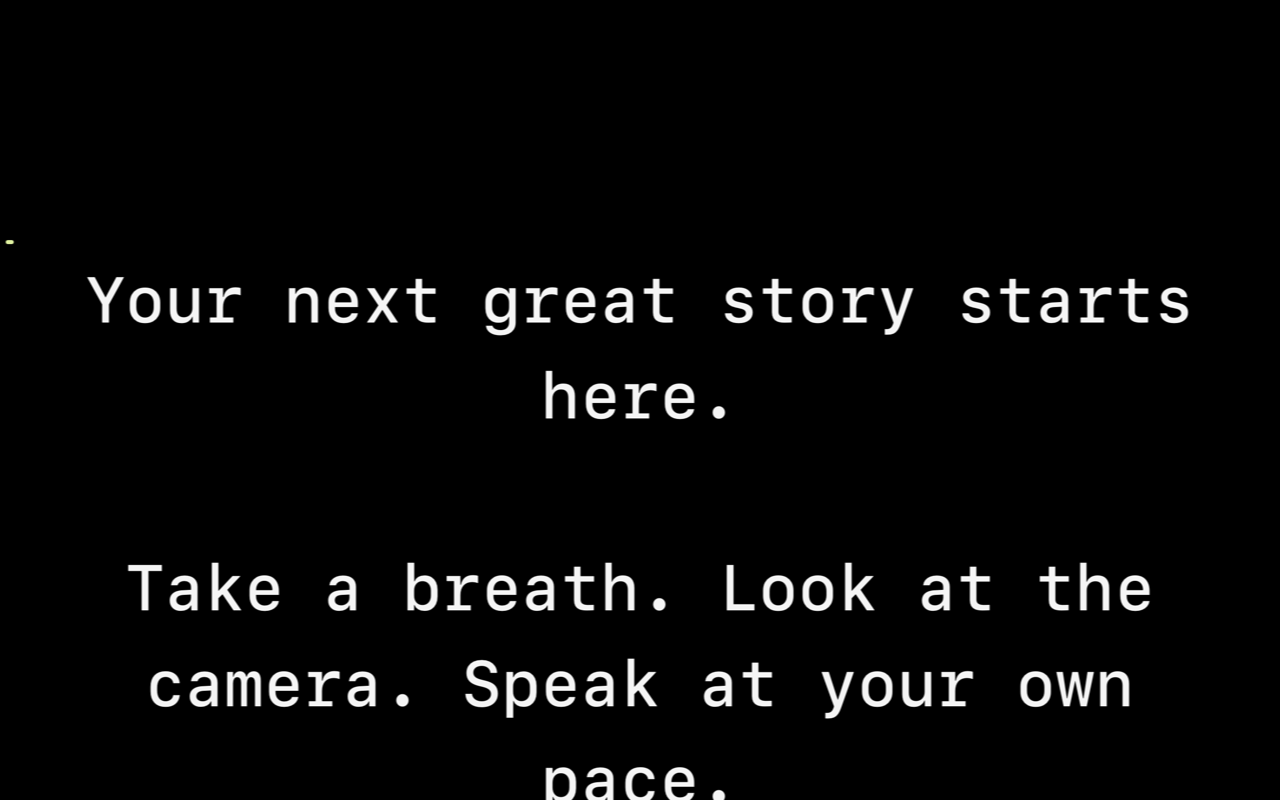
Read your script.
Record your story.
Your words stay on screen while the camera records you. Pause, resume and save your take to Photos.
Get Cue for iPhone & iPad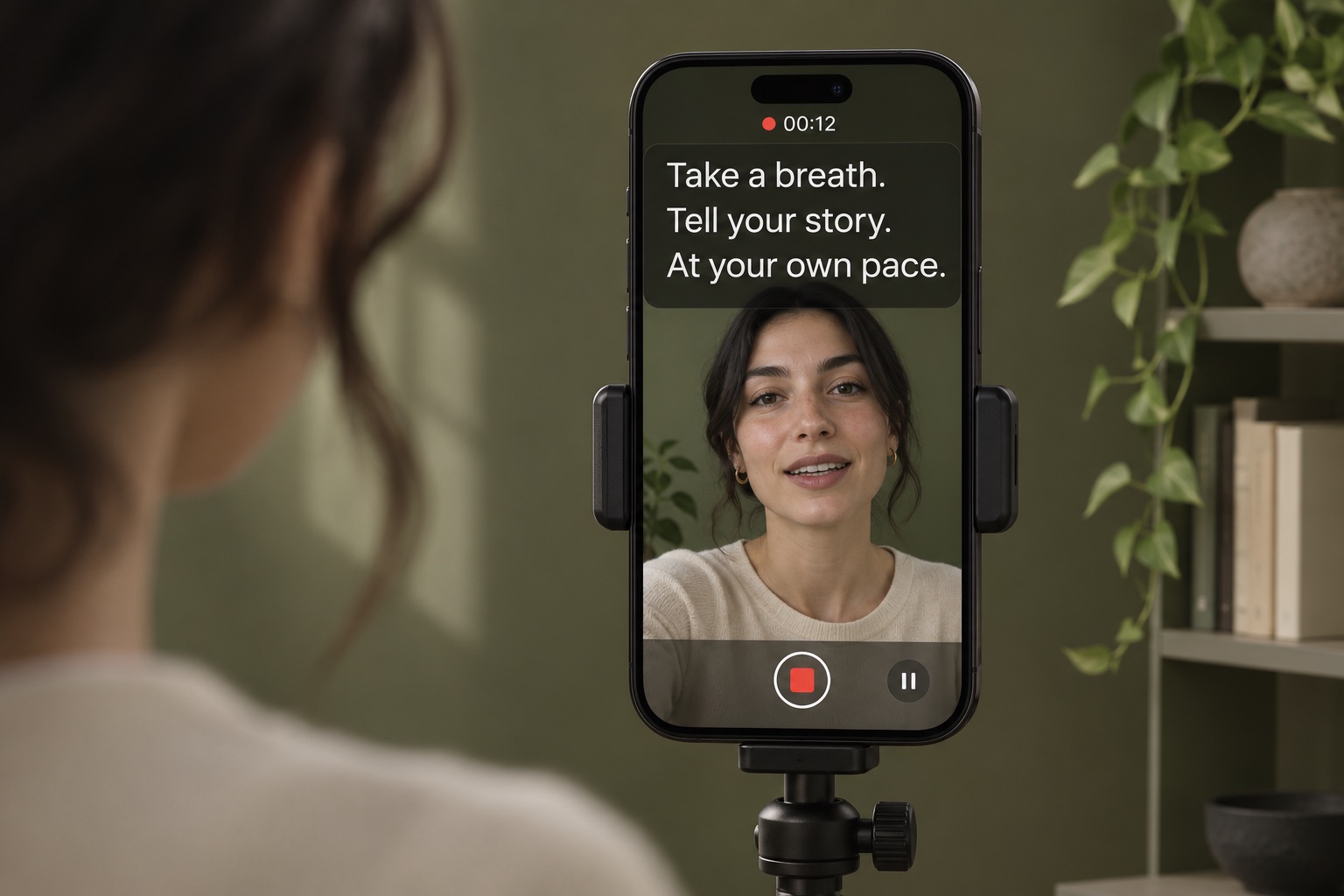
Prepare once.
Find your flow.
Your script library lives in Studio. Your prompter controls stay close, in the app.
Give your ideas a script.
Write and edit in your private web Studio, or import a TXT file in Cue. Use the same Cue account for your Studio and apps.
Make it easy to see.
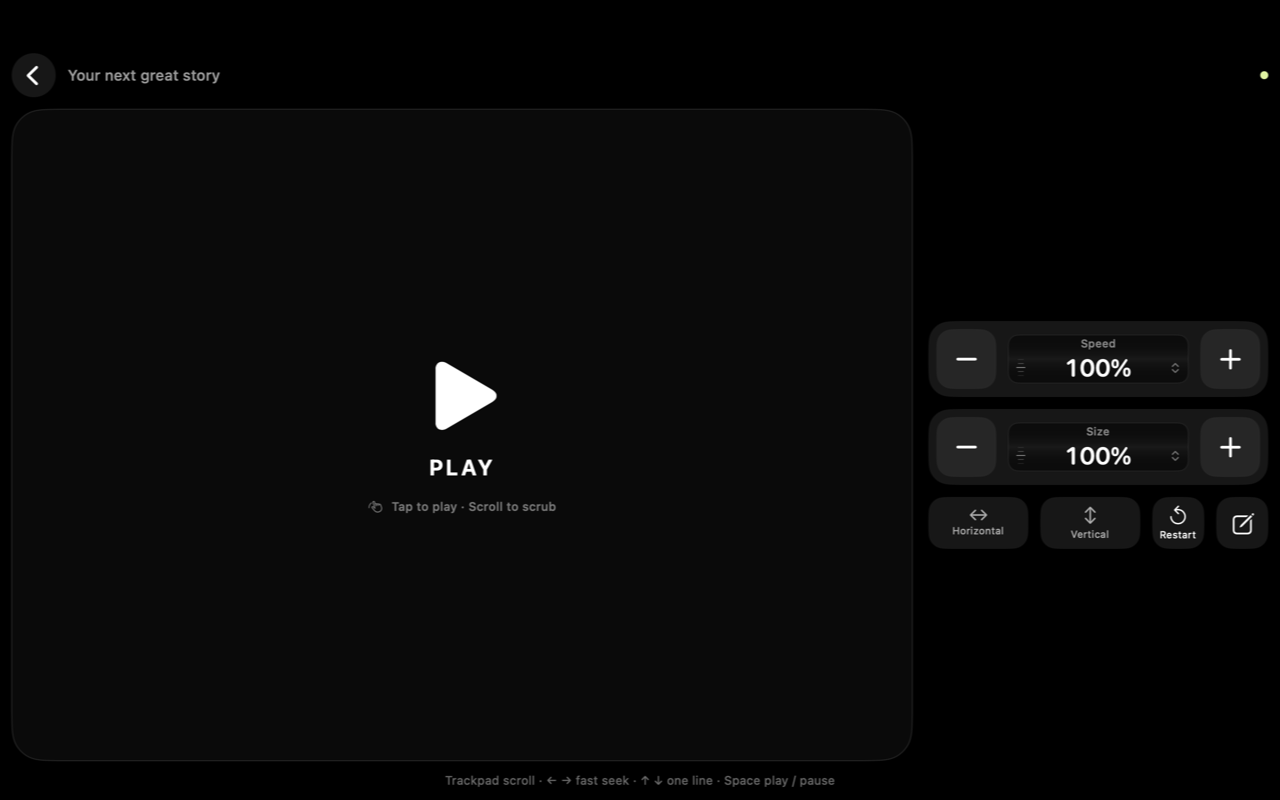
Set your text size and scrolling speed. Keep the screen dark, or mirror the text for your teleprompter setup.
Stay with the speaker.
Play, pause and position the text in the app. With another Cue device, use a direct Nearby connection for local remote control.
One clear control.
Room to breathe.
A large pad for play, pause and positioning. Precise controls when you need to adjust the pace.
- Keyboard and trackpad controls on Mac
- Horizontal and vertical text mirroring
- Direct Nearby control between Cue devices
- A dark interface that keeps attention on your words
From first rehearsal
to the real thing.
Practical setups for the moments when your words matter.
A calmer webinar starts with a clear script.
Plan your opening, keep names and key points close, and let an operator follow your pace.
Read the guide ↗02 / Video productionKeep your words close to the lens.
Use Cue beside your camera, with readable text and a separate remote for the person behind it.
Read the guide ↗03 / Working on MacTurn your Mac into your rehearsal space.
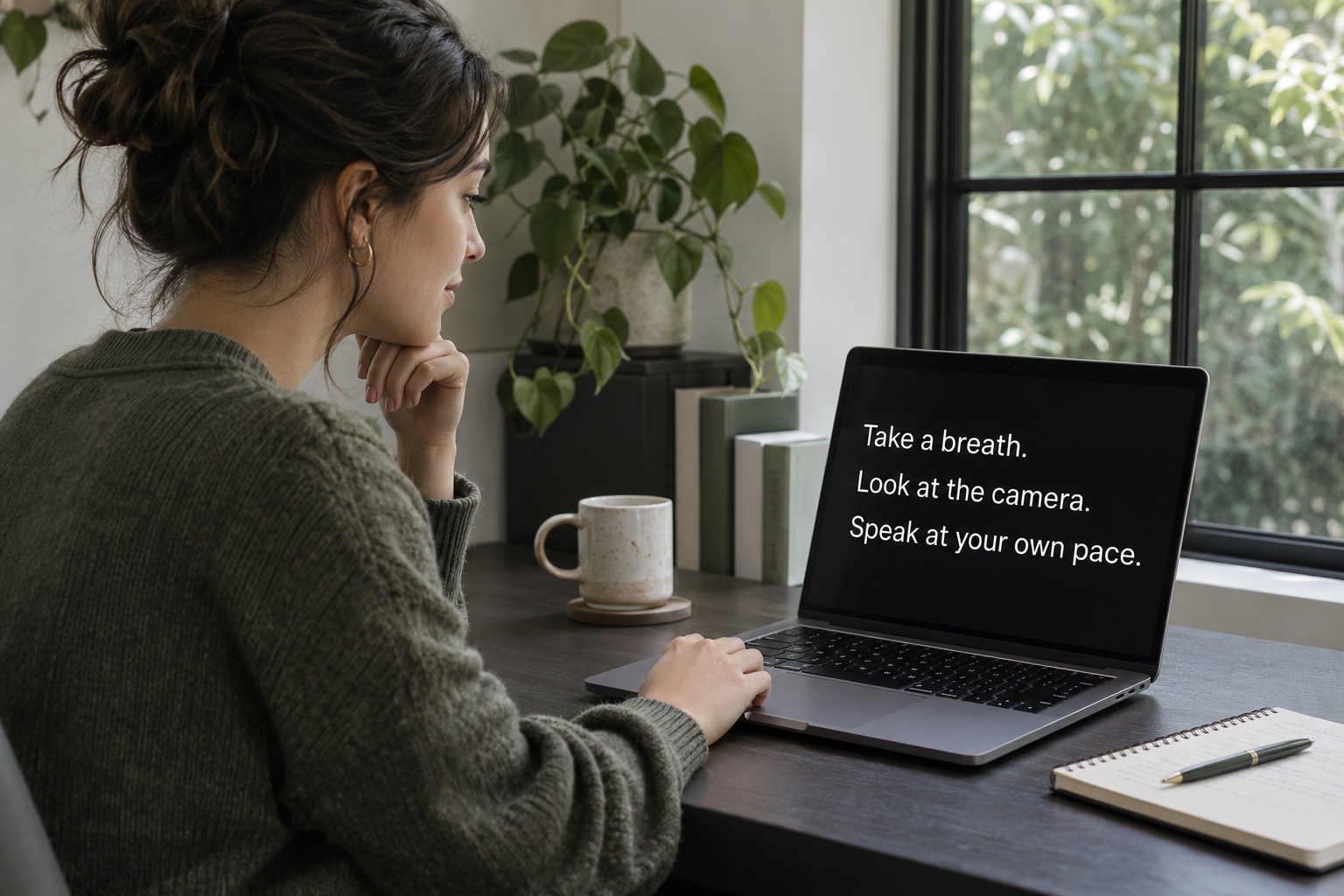
Write, read and refine a presentation, with keyboard controls that stay out of the way.
Read the guide ↗
Get Cue.
Cue Pro is required for prompter playback and remote control. A monthly or yearly subscription includes your personal Studio.
Subscriptions are purchased in the app through Apple. Check the App Store for local prices and availability. An internet connection is needed for sign-in and purchase verification.
A few things to know.
Does Cue require a subscription?
Yes. An active Cue Pro subscription is required for teleprompter playback and remote control, including Nearby. You can download the apps without an upfront app price; Cue Pro is purchased inside the app.
What is Studio for?
Studio is your private browser workspace for preparing and storing scripts. Use the Cue apps for prompter playback and local Nearby control. Sign in with the same Cue account on your devices.
Can I use the prompter offline?
Previously verified Cue Pro access can work offline for up to seven days after verification, within the subscription’s expiry. Prepare your local scripts and test Nearby before disconnecting. Sign-in, Studio and purchase verification require internet.
Can I record video inside Cue?
Yes. Camera prompter on iPhone and iPad lets you record while reading, pause and resume recording, and save takes to Photos. The Mac version is a prompter and remote; use a separate camera or recording app on Mac.